 Be Healthy magazine Health-related monthly magazine
1. Connect Windows phone to WiFi
2. Open Web browser on the phone and type “megapolis.ca” in URL string
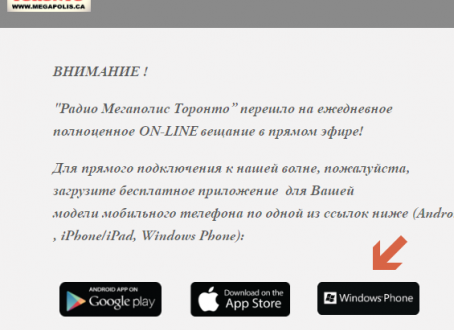
3. Tap on the [Windows Phone] icon on the Web page

4. Install the Radio Megapolis application on his phone
5. Make a couple of screenshots of the application screen by pressing the power button and volume-up key at the same time
6. Send the screenshot images to my email : natchetoi@gmail.com
7. Keep enjoying the radio Megapolis on your phone (or un-install the application from the phone if you don’t like it 😉